Looking behind a cabinet, inside an accessible wall cavity, or around concealed plumbing can be difficult with a flashlight alone. A borescope camera puts a small illuminated camera at the end of a flexible cable, allowing you to see spaces that are otherwise awkward to inspect.
However, choosing the best borescope camera for DIY home inspections takes more than comparing screen sizes or advertised resolution. The camera head must fit through the opening, the lens must focus at the available distance, and the cable needs to reach the inspection area without becoming difficult to control.
Some homeowners will prefer a dedicated handheld screen. Others may find a smartphone-connected camera more convenient for saving and sharing images.
The following five products offer different features worth comparing before your next home improvement project.
This guide compares published manufacturer specifications rather than hands-on test results. Amazon links lead to searches for the named products; confirm the exact model, accessories, seller, and availability before purchasing.
Table of Contents
Quick Comparison
| Product | Useful option to compare for | Display | Key buying consideration |
|---|---|---|---|
| Teslong NTS300 Dual Lens | Different probe sizes and front/side viewing | 5-inch built-in screen | Select the correct probe diameter and length |
| DEPSTECH DS520 Dual Lens | Split-screen viewing | 5-inch IPS screen | Match the cable length to your actual inspection route |
| Klein Tools ET20 | Smartphone viewing and image sharing | Compatible smartphone | Verify current app and phone compatibility |
| Bosch GIC 4-23 C | Image orientation and documentation | 4.3-inch built-in screen | Check the regional model and power bundle |
| RIDGID micro CA-25 | Basic, short-range visual checks | 2.7-inch built-in screen | Its 17 mm camera head requires a larger opening |
These are feature-based comparison categories. The right choice depends on the spaces you need to inspect.
1. Teslong NTS300 Dual-Lens Inspection Camera
An Option With Different Probe Sizes
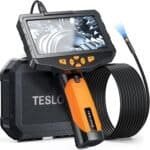
The Teslong NTS300 Dual Lens combines a five-inch handheld display with front-facing and side-facing cameras. Teslong lists 5.5 mm and 8 mm probe options, with several cable lengths. The published specifications also include photo and video capture and a 32 GB microSD card.
The choice of probe diameter is especially useful when planning access. A smaller opening may rule out a larger camera before screen quality or recording features become relevant.
Side viewing is another reason to compare this model. It lets you inspect a surface beside the probe without relying entirely on pointing the cable tip directly toward it. However, a side-facing lens does not steer the cable around corners.
 Features to compare:
- Dedicated screen that keeps your phone separate from the inspection.
- Front and side camera views.
- Different probe diameters and cable lengths.
- Photo and video recording.
Check before ordering: Select the exact dual-lens configuration you need. The NTS300 family includes other lens arrangements, and accessories can vary.
2. DEPSTECH DS520 Dual-Lens Borescope
An Option for Split-Screen Viewing
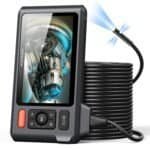
The DEPSTECH DS520 Dual Lens has a five-inch IPS display, a 7.9 mm probe, and split-screen viewing for its front and side cameras. The manufacturer lists a front-camera focus range of approximately 1.18–3.93 inches and a side-camera range of approximately 0.79–2.36 inches.
Those focus distances matter when inspecting a confined space. A surface pressed directly against the lens may look blurry even if the camera is functioning correctly.
Split-screen viewing may help you understand the relationship between the area ahead of the probe and the surface beside it. For example, you might use the forward view to position the tip and the side view to examine a nearby joint.
 Features to compare:
- Built-in display.
- Front and side views on one screen.
- Rechargeable design.
- Multiple cable configurations within the product family.
Check before ordering: Confirm the complete model suffix and cable length. A long cable does not guarantee that it can navigate every bend or reach the full advertised distance inside a pipe.
3. Klein Tools ET20 WiFi Borescope
An Option for Smartphone Viewing
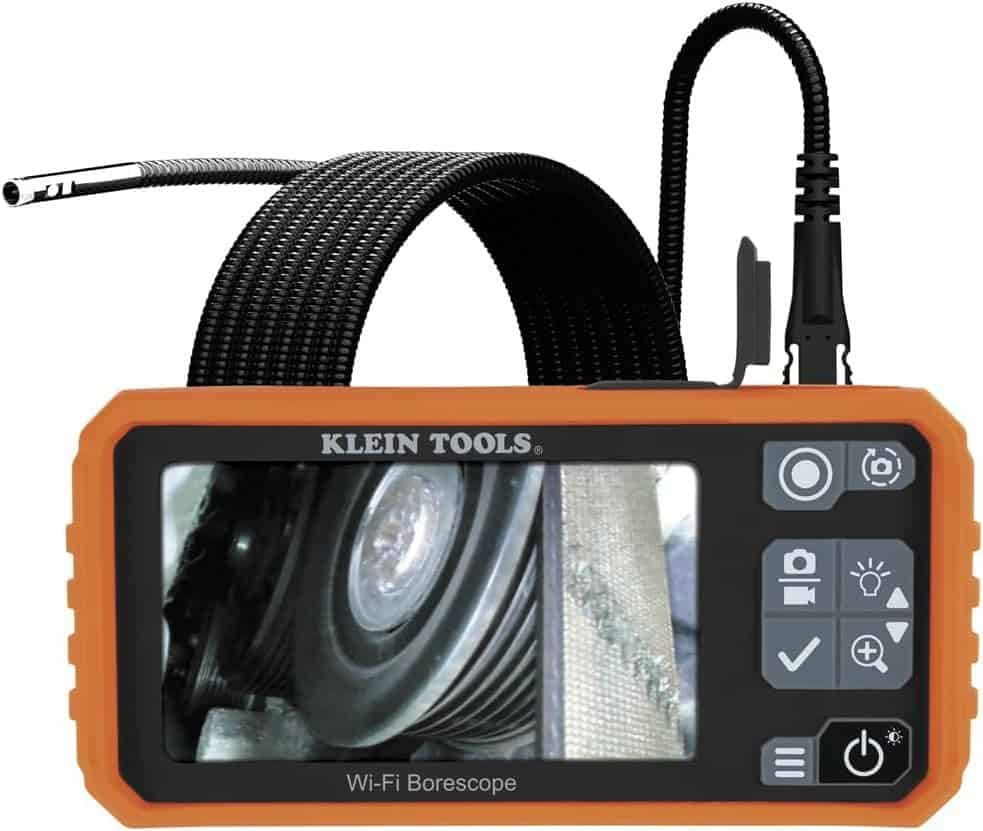
The Klein Tools ET20 displays its camera feed through a compatible smartphone app. Klein specifies a 9 mm camera head, a six-foot armored gooseneck cable, adjustable LEDs, and 640 × 480 image output. The app supports capturing, storing, and sharing images and videos.
A smartphone-based system may appeal to homeowners who want inspection images available on the same device they use for project notes and messages.
The tradeoff is reliance on software and phone compatibility. Before buying, verify that the required app is available for your current operating system and that your phone meets its requirements.
 Features to compare:
- Uses a compatible phone as the display.
- Saves inspection images to the phone.
- Adjustable lighting.
- Flexible armored cable.
Check before ordering: Wireless communication connects the camera unit to the phone; the inspection head remains attached to its cable. Also consider how you will position the phone while guiding the probe.
4. Bosch GIC 4-23 C Inspection Camera
An Option With an Orientation Indicator
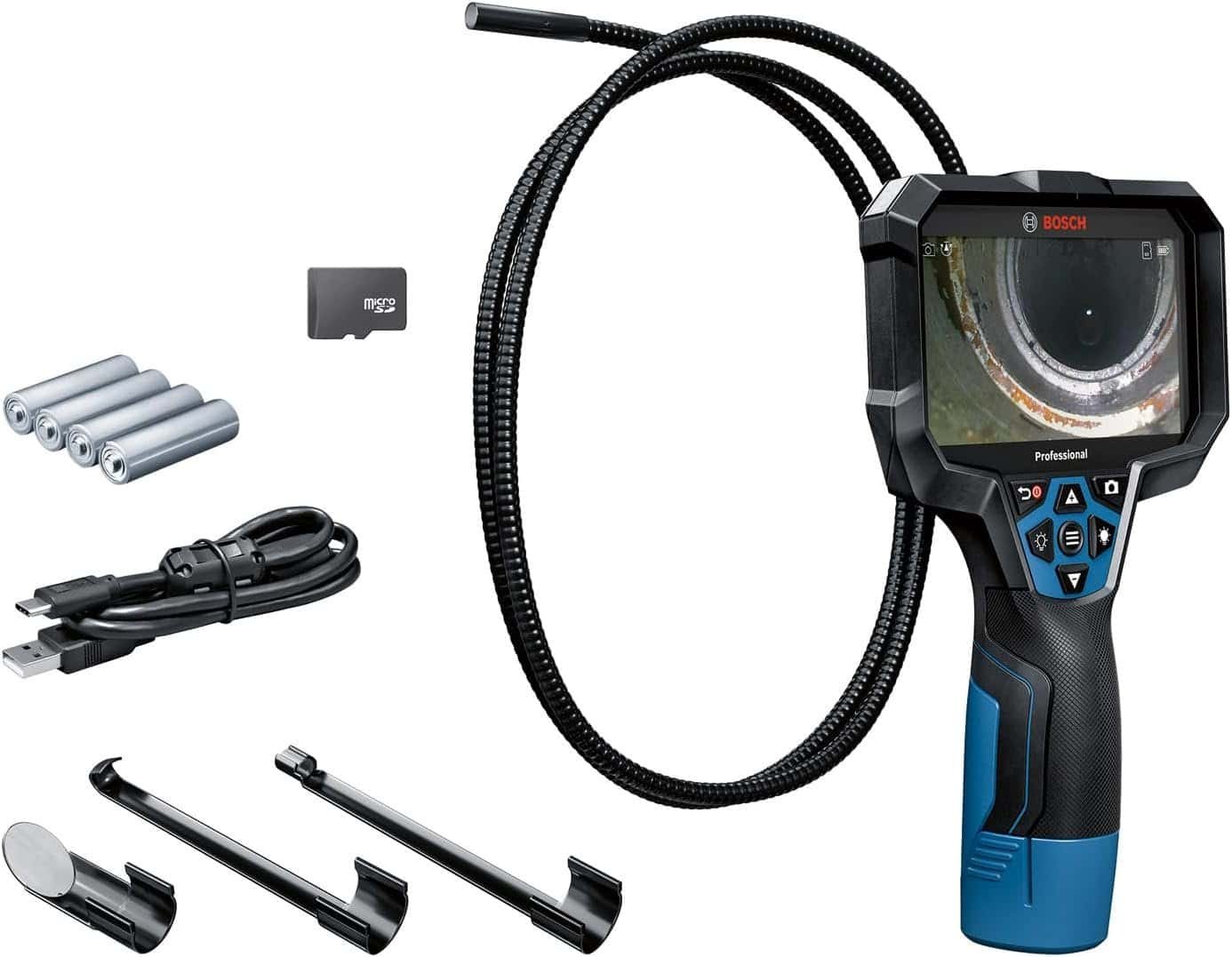
The Bosch GIC 4-23 C features a 4.3-inch display, an 8.3 mm camera head, and a 1.5 m inspection cable. Bosch lists picture and video documentation, USB-C data transfer, and an Up Indication feature to help identify orientation as the camera turns. Its published focus distance is 30–80 mm.
Orientation can become confusing inside a cavity. Once the cable rotates, the top of the display may no longer correspond to the top of the space you are inspecting. An orientation aid is therefore worth considering when interpreting unfamiliar views.
This model may interest homeowners who expect to document repeated projects and prefer a dedicated inspection tool.
 Features to compare:
- Dedicated handheld screen.
- Orientation indicator.
- Picture and video documentation.
- USB-C transfer.
Check before ordering: Bosch model names, included batteries, adapters, and chargers can differ by market. Match the exact listing to the manufacturer’s specifications for that regional version.
5. RIDGID micro CA-25 Digital Inspection Camera
An Option for Basic Short-Range Checks
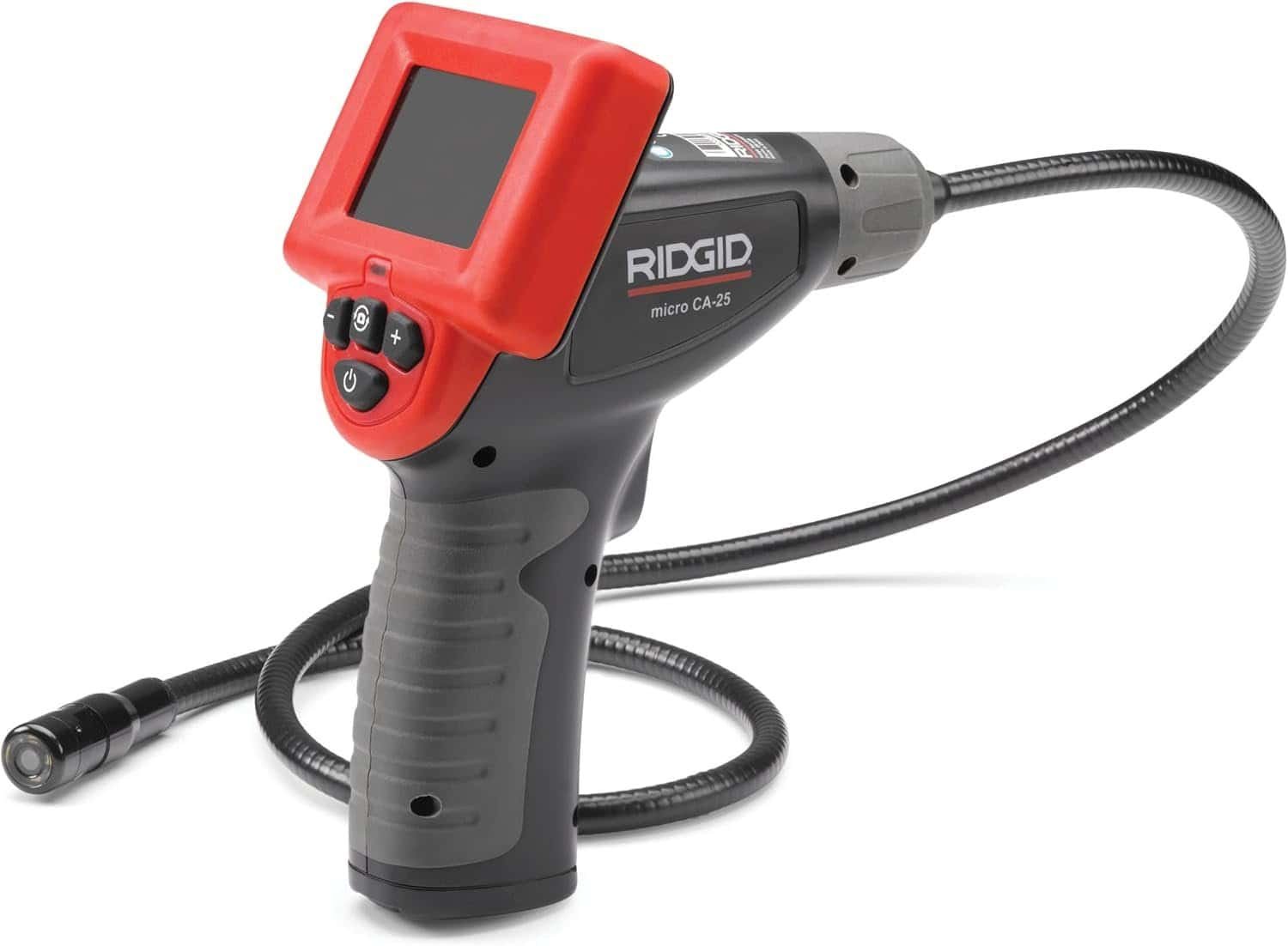
The RIDGID micro CA-25 uses a 17 mm aluminum camera head, adjustable LED lighting, and a 2.7-inch color screen. RIDGID’s published documentation lists a fixed four-foot cable and power from four AA batteries.
Its larger camera head is the main distinction to consider. An opening that accommodates a slim borescope may be too small for the CA-25.
For accessible spaces with sufficient clearance, it offers a straightforward handheld arrangement. Buyers who mainly want to look behind equipment or into nearby openings may find this format worth comparing.
 Features to compare:
- Built-in color display.
- Adjustable camera lighting.
- Replaceable AA batteries.
- Simple handheld layout.
Check before ordering: Confirm that its viewing and output functions meet your needs. If saving photos or recording videos is essential, verify those capabilities explicitly rather than assuming every inspection camera includes them.
How to Choose a Borescope Camera for Home Inspections
Measure the Access Opening First
Start with the narrowest part of the inspection route. Measure the opening and consider obstructions immediately behind it.
The complete camera tip must fit, including any attachment or protective cap. A probe that barely enters an opening may still lack enough clearance to turn or withdraw comfortably.
Use existing access points where possible. Creating a new opening requires checking what may be concealed behind the surface.
Match Focus Distance to the Available Space
A borescope needs working distance between its lens and the target. Check the published focus range for each lens, especially on dual-camera models.
For example, a lens intended to focus several centimeters away may struggle when squeezed tightly against a pipe wall. More advertised pixels will not correct that mismatch.
Before inspecting the concealed area, test the camera on a visible object at a similar distance. This helps you recognize what a properly focused image should look like.
Choose Cable Length and Control Together
Estimate the route the cable must follow, including bends, rather than measuring only the straight-line distance.
Extra length can help with reach, but managing unnecessary cable may make a small cabinet inspection more awkward. Cable stiffness also matters: it affects how easily you can guide the tip and hold a useful viewing position.
Do not force the probe past resistance. A home inspection camera is a viewing tool, and using it to clear a blockage can damage the cable or trap the head.
Compare Viewing Direction
A forward-facing camera looks along the cable’s path. A side-facing lens helps inspect adjacent surfaces.
These arrangements differ from an articulating camera, whose tip can be actively steered. Choose based on the view you need rather than assuming that multiple lenses provide steering.
Check Which Parts Are Water Resistant
Read the ratings for the camera head, cable, connectors, and handheld unit separately. For example, Klein lists different protection ratings for the ET20 camera/cable and its body, while Bosch separately specifies protection for its camera cable and tool.
Follow the specified immersion limits and cleaning instructions. Keep components that lack suitable protection away from water.
Consider How You Will Save Findings
For troubleshooting, a saved image can be more useful when accompanied by context. Note the room, access point, approximate probe direction, and what you observed.
A close-up alone can be difficult to interpret later. Take an ordinary photograph of the surrounding area so you can connect the inspection image to its location.
What Can a DIY Borescope Inspection Tell You?
A borescope can provide a closer view of accessible concealed surfaces and help you document something that needs further investigation.
It cannot show through solid materials or prove that an entire wall, pipe, or appliance is sound. The visible area may be small, and a stain or unfamiliar surface may have several possible explanations.
Follow the tool’s instructions around electrical equipment, moving parts, heat, and other hazards. Use professional help when the task or finding requires expertise beyond a visual check.
Which Borescope Camera Should You Compare First?
Compare the Teslong NTS300 Dual Lens if probe-size choices and side viewing matter most. Consider the DEPSTECH DS520 for split-screen viewing or the Klein ET20 if you prefer using a compatible smartphone.
The Bosch GIC 4-23 C is worth examining for orientation and documentation features, while the RIDGID micro CA-25 offers a straightforward option for larger openings and nearby visual checks.
The best borescope camera for DIY home inspections is the one that fits your access route, focuses at the available distance, and provides a view you can interpret clearly.