A work laptop, personal laptop, phone, tablet, and earbuds can quickly fill a power strip with separate adapters. A GaN desktop charger brings compatible devices together at one charging station, helping organize your desk and simplify cable management.
However, choosing one takes more than comparing the biggest wattage number. A charger advertised at 200W or 300W shares that power between connected devices. Individual ports also have limits, and adding another device can change the available output.
The best GaN desktop charger for your setup should provide enough power through the right combination of ports—not simply offer more sockets than its competitors.
This guide compares five options using manufacturer specifications rather than hands-on testing. Each product includes an Amazon search link so you can check the exact model and available listings.
Table of Contents
Quick Comparison
| Charger | Maximum total output | Port layout | Highest listed single-port output | Useful starting point for |
|---|---|---|---|---|
| Anker Prime A2345 | 250W | 4 USB-C + 2 USB-A | 140W | Power monitoring and adjustable distribution |
| UGREEN Nexode 300W | 300W | 4 USB-C + 1 USB-A | 140W | Several USB-C laptops |
| Satechi 200W | 200W | 6 USB-C | 140W under specified conditions | An all-USB-C desk |
| Anker Prime A2683 | 200W | 4 USB-C + 2 USB-A | 100W | Two compatible laptops and smaller devices |
| UGREEN Nexode 500W | 500W | 5 USB-C + 1 USB-A | 240W | Higher-demand shared workstations |
These are maximum ratings, not simultaneous output from every port. Check the power-distribution chart for your intended combination of devices.
1. Anker Prime Charger 250W, 6 Ports — A2345
A Feature-Rich Option for Monitoring Power
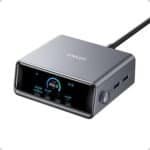
The Anker Prime A2345 combines a 250W total output with four USB-C ports and two USB-A ports.
Its USB-C1 port supports up to 140W, while the other three USB-C ports are rated up to 100W individually. The charger also features a 2.26-inch display and control dial for charging feedback and power-management adjustments.
 Why Consider It?
A display can be useful when you want to see how power is being allocated. It can help you notice whether a laptop is receiving less power after another device is connected.
The mix of USB-C and USB-A ports also suits a desk containing newer laptops alongside older charging cables or accessories.
What to Check
The 250W rating is a shared ceiling. Four USB-C ports rated individually at 100W or more cannot all deliver their individual maximums simultaneously.
Anker notes that firmware updates can change power-distribution behavior, so use the current instructions for the mode you select.
Best suited to: Users who value charging feedback and configurable power management.
Main consideration: More features than some buyers need; verify your preferred multi-device allocation.
2. UGREEN Nexode 300W 5-Port Desktop Charger
Worth Comparing for Three-Laptop Setups
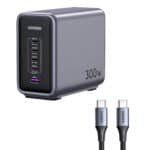
The UGREEN Nexode 300W provides four USB-C ports and one USB-A port.
UGREEN advertises a three-laptop configuration delivering up to 140W + 100W + 60W through the designated USB-C ports. This is a useful example of why the allocation chart matters more than the total wattage alone.
 Why Consider It?
This arrangement is worth investigating for a shared desk with several compatible USB-C laptops. One higher-demand machine could use the primary port while other laptops use the remaining allocation.
It may also appeal to someone who alternates between a work computer, personal computer, and tablet.
What to Check
The advertised three-laptop arrangement uses the entire 300W budget. Do not assume you can add a phone while preserving all three maximum allocations.
Also confirm that each laptop accepts the available USB Power Delivery profiles. A computer that normally uses a proprietary charger may accept less power over USB-C.
Best suited to: Users who need to compare a documented three-laptop charging configuration.
Main consideration: Additional connected devices can change the available power split.
3. Satechi 200W USB-C 6-Port GaN Charger
An All-USB-C Choice for a Modern Desk
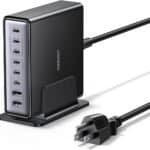
The Satechi 200W charger provides six USB-C ports, making it worth comparing if your charging cables already use USB-C connections.
Satechi specifies up to 140W from PD1 or PD2 when used under its stated single-device conditions. With all six ports occupied, the published allocation is 65W + 45W + 20W + 20W + 20W + 20W.
 Why Consider It?
Six USB-C connections can accommodate a combination of laptops, tablets, phones, and smaller accessories without dedicating space to USB-A.
The included stand also lets you position the charger upright, while rubber feet support flat placement.
What to Check
Six ports do not mean six laptop-class charging outputs when every port is occupied.
The fully loaded configuration may suit a modest-power laptop alongside another compatible device and several phones. It is less suitable if you need two laptops to receive 100W each while charging four additional devices.
Satechi also specifies cable and connection requirements for achieving its highest charging rates.
Best suited to: An all-USB-C workspace with several lower-power devices.
Main consideration: The six-device allocation is substantially lower per port than the single-port maximum.
4. Anker Prime Charger 200W, 6 Ports — A2683
A Simpler Option for Two Compatible Laptops
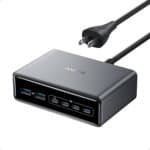
The Anker Prime A2683 is worth comparing if you want multiple charging connections without the A2345’s display and control interface.
Anker lists a 200W total output and states that two USB-C ports can each deliver up to 100W when used simultaneously.
 Why Consider It?
A documented 100W-plus-100W arrangement is a useful starting point for a two-laptop desk.
It can also provide flexibility when your connected devices change throughout the day. You might charge two laptops during work, then use the station for a laptop, phone, and accessories afterward.
What to Check
Two devices drawing 100W each consume the entire advertised 200W budget. Adding more devices means the charger must share that available power differently.
Check the full chart for the exact USB-C and USB-A combination you intend to use. Do not assume its six-port behavior matches the 250W model simply because both belong to the Prime range.
Best suited to: Buyers comparing a straightforward charger for two USB-C laptops.
Main consideration: No 140W single-port option, and multi-device allocations still require checking.
5. UGREEN Nexode 500W 6-Port Desktop Charger
A Higher-Capacity Option for Shared Workspaces
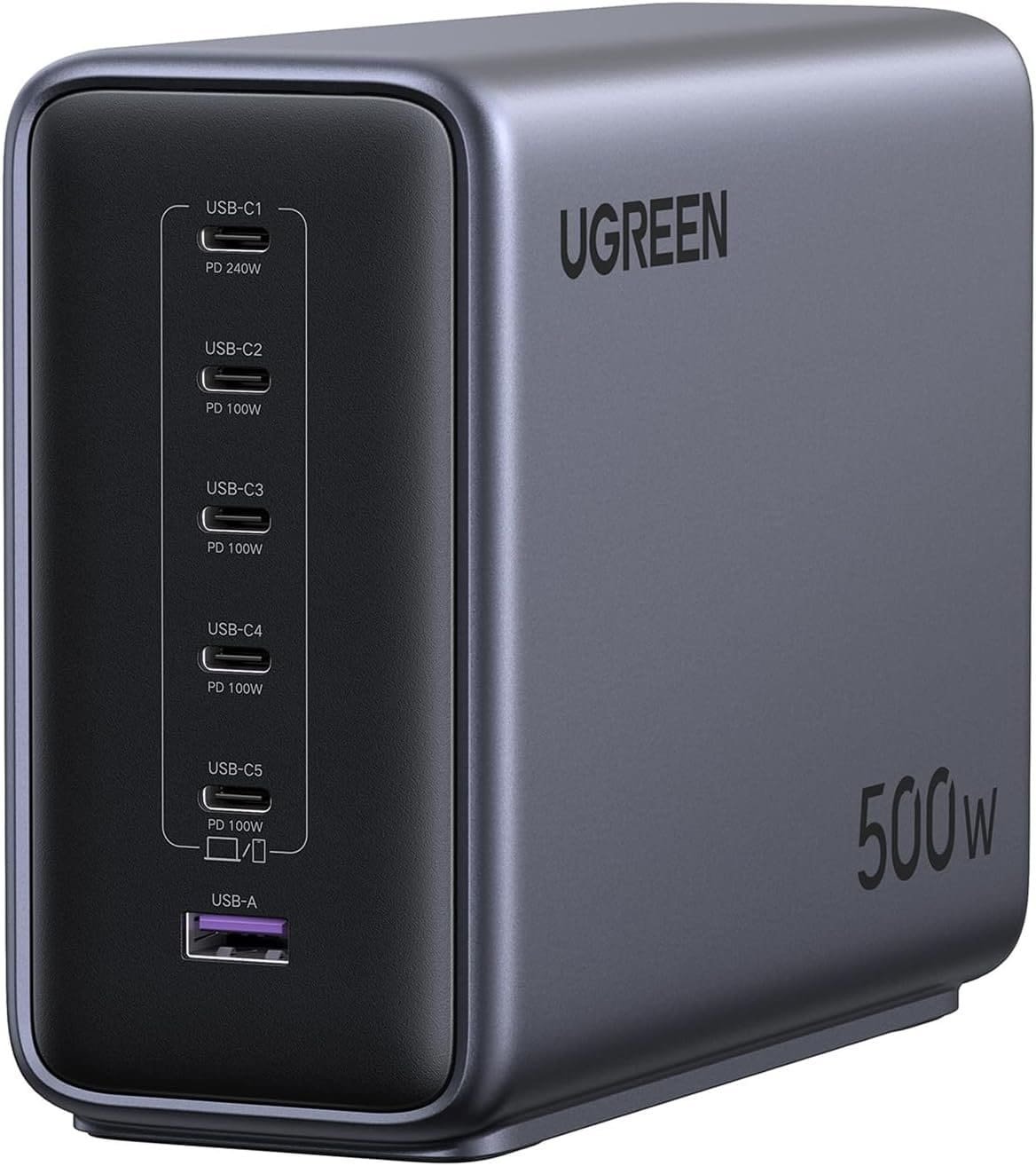
The UGREEN Nexode 500W offers five USB-C ports and one USB-A port.
UGREEN lists up to 240W from USB-C1, with the other four USB-C ports supporting up to 100W individually. Total simultaneous output remains capped at 500W.
 Why Consider It?
This model is worth investigating for a shared workstation or a desk with several higher-demand devices.
The extra total capacity provides more room to distribute power, but it only benefits devices that can accept the relevant charging profiles.
What to Check
A 240W USB-C port does not turn every laptop into a 240W USB-C charging device. The computer, cable, and charging protocol must all support the intended rate.
UGREEN lists this charger at approximately 2.2 kilograms, making it better suited to a permanent charging station than a lightweight travel kit.
Best suited to: Higher-demand desks where additional shared capacity is useful.
Main consideration: Size, weight, compatibility, and whether you actually need the capacity.
Amazon links above open product searches. Confirm the exact model, regional plug, seller, and package contents before ordering.
How to Choose the Best GaN Desktop Charger
 Check Each Laptop’s Charging Requirements
Start with your laptop’s documentation and original adapter.
Confirm that the computer supports charging through USB-C, identify the correct charging port, and check its recommended power requirements. Some laptops support USB-C charging only at reduced performance compared with their original adapter.
A USB-C connector alone does not establish charging compatibility.
Compare the Exact Power-Sharing Configuration
Write down the devices you want connected simultaneously.
For example, two laptops requiring 65W each and a phone requiring 30W represent a planning requirement of 160W. However, a 200W charger is only suitable if its port-allocation scheme can provide those amounts through the selected ports.
Think of that calculation as a starting point—not proof of compatibility.
 Understand Total Output and Port Limits
Three specifications matter:
- Total output: The maximum shared across the charger.
- Individual port limit: The highest output a particular port supports.
- Multi-port allocation: The output available when a particular combination is connected.
Check all three before purchasing. Adding individual port maximums together usually produces a number greater than the charger can deliver simultaneously.
Choose Suitable Charging Cables
The cable must support the intended power level as well as the required connection.
USB-IF uses power markings such as 60W and 240W on certified USB-C cables. A cable’s power rating is separate from its data-transfer capabilities.
For charging above 100W, use an appropriate Extended Power Range cable and confirm any device-specific requirements. USB Power Delivery 3.1 supports up to 240W, but the charger, cable, and device must work together.
 Check Phone Fast-Charging Support
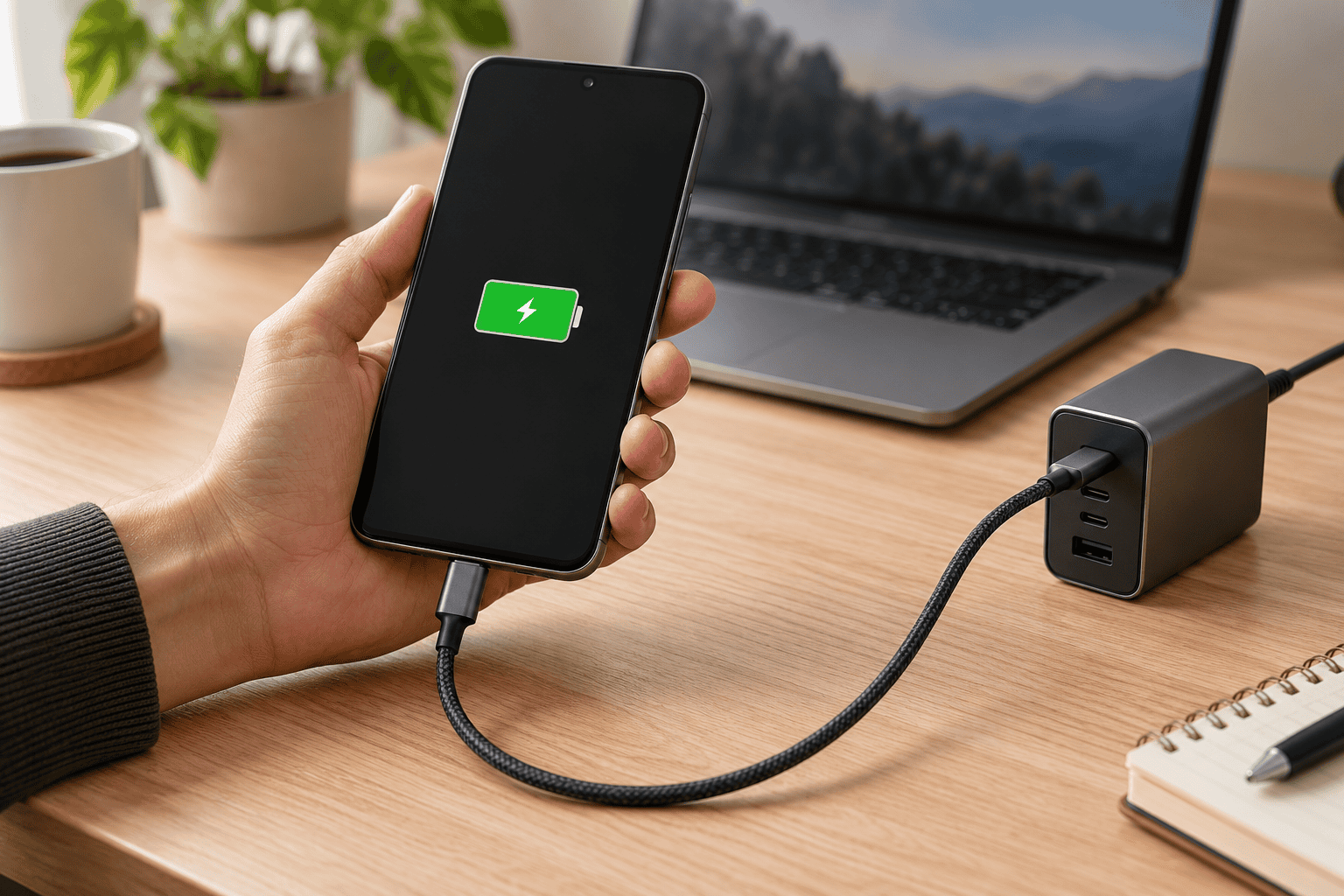
A high-wattage laptop port does not automatically provide a phone’s fastest advertised charging speed.
Look for the phone manufacturer’s required protocol, including PPS where applicable. Some phones use proprietary systems that require a particular charger and cable combination.
Plan the Desktop Layout
Check the charger’s dimensions, AC-cord length, and port orientation.
Leave enough room to connect cables without tight bends. Position the charger on an appropriate surface with ventilation according to its instructions, and keep it clear of drinks and loose materials.
For a travel setup, compare the complete weight of the charger, power cord, and required cables.
 Allow for Power Renegotiation
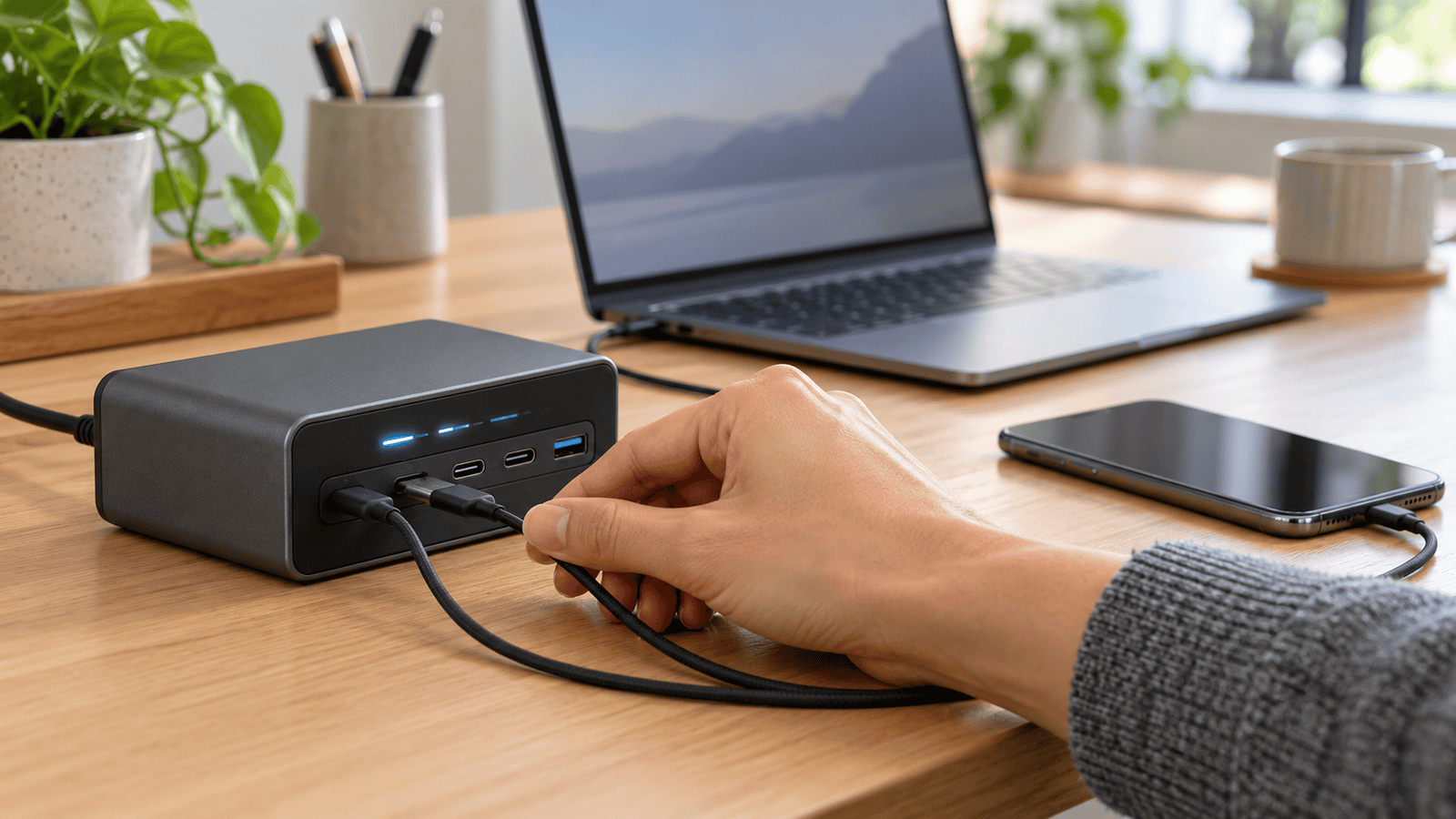
Connecting or disconnecting devices can cause some multi-port chargers to redistribute power.
Check the manufacturer’s guidance if uninterrupted operation matters to your setup, particularly when powering a dock or another accessory through the charger. A charging station should be selected around its actual behavior, not just its maximum rating.
Which GaN Desktop Charger Should You Choose?
Start with the Anker Prime 250W if power monitoring and configurable allocation appeal to you. Compare the UGREEN Nexode 300W for its documented three-laptop arrangement.
The Satechi 200W suits an all-USB-C desk, while the Anker Prime 200W provides a useful starting point for two compatible laptops. The UGREEN Nexode 500W deserves attention when your workstation needs substantially more shared capacity.
Choose the charger whose port chart matches your devices. Enough power in the right places matters more than the largest number on the box.