Whether you’re working remotely, traveling for business, studying in a coffee shop, or editing content on the go, one thing quickly becomes obvious—a single laptop screen isn’t enough.
Portable laptop monitors have become one of the best productivity upgrades in recent years. They provide an instant second display without the bulk of a traditional monitor, making multitasking easier wherever you work. Whether you’re comparing spreadsheets, coding, editing videos, or joining Zoom meetings while taking notes, an extra screen can dramatically improve your workflow.
In this guide, we’ve selected the best portable laptop monitors based on display quality, portability, connectivity, build quality, ease of use, and overall value.
Table of Contents
Quick Comparison
| Product | Screen Size | Resolution | Best For |
|---|---|---|---|
| ASUS ZenScreen MB16ACV | 15.6″ | Full HD | Overall Best |
| Lenovo ThinkVision M14 | 14″ | Full HD | Business Travelers |
| ViewSonic VA1655 | 15.6″ | Full HD | Best Value |
| Arzopa Z1FC | 16.1″ | Full HD 144Hz | Gaming & Entertainment |
| espresso Display 15 | 15.6″ | Full HD | Premium Productivity |
| Innocn OLED Portable Monitor | 15.6″ | OLED Full HD | Creative Professionals |
| MSI PRO MP161 E2 | 15.6″ | Full HD | Budget Office Users |
1. ASUS ZenScreen MB16ACV – Best Overall
Best for: Professionals, students, and remote workers
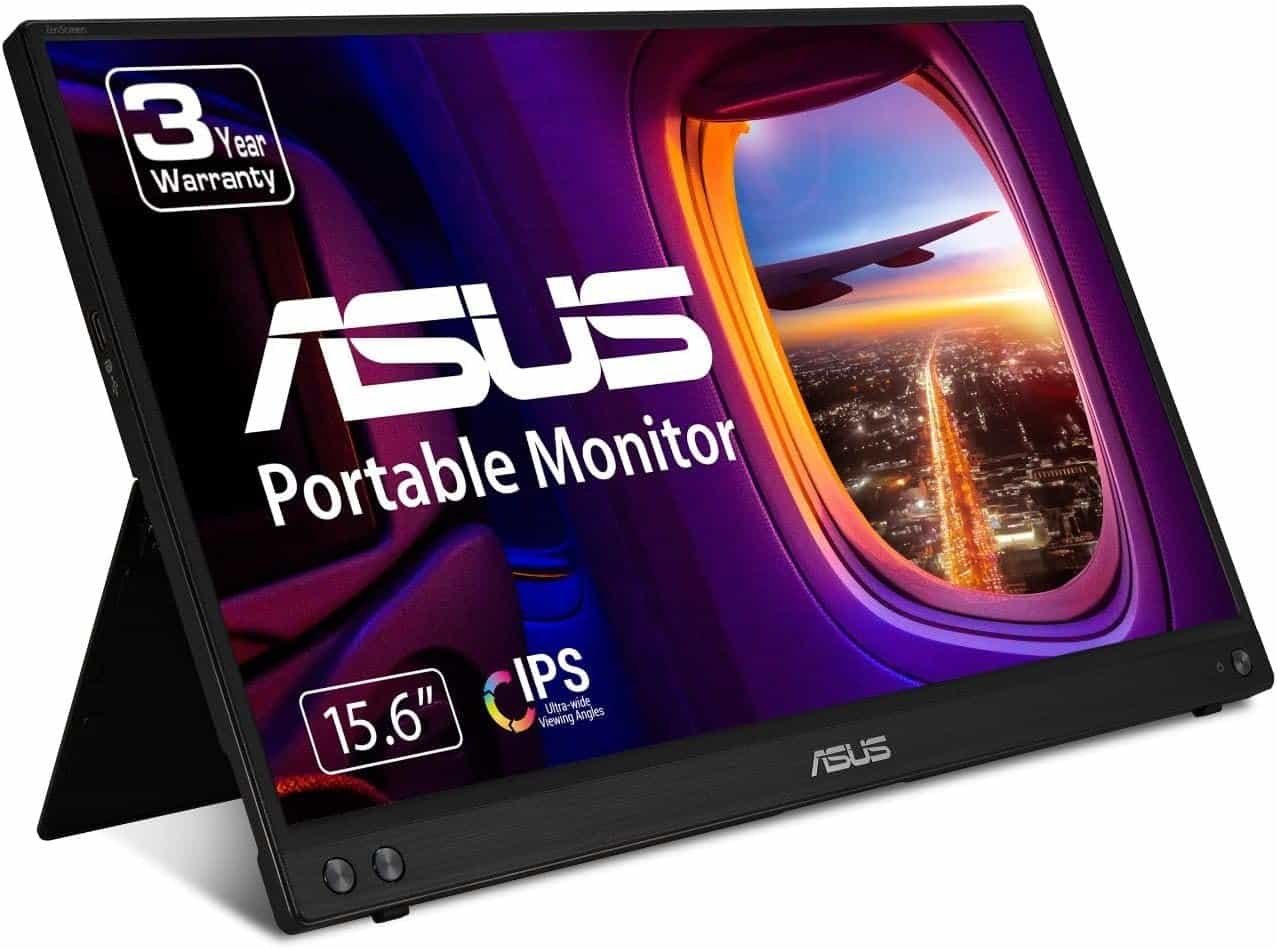
The ASUS ZenScreen series has long been one of the most trusted portable monitor lineups, and the MB16ACV continues that reputation.
Its slim profile, lightweight design, and USB-C connectivity make it incredibly easy to carry in a backpack. The built-in kickstand allows quick setup almost anywhere, while the IPS display delivers vibrant colors and wide viewing angles.
 Pros
Pros
- Lightweight and travel-friendly
- Excellent IPS display
- USB-C connectivity
- Eye Care technology
- Built-in kickstand
Cons
- 60Hz refresh rate
- Speakers are basic
2. Lenovo ThinkVision M14 – Best Business Portable Monitor
Best for: Frequent travelers
If portability is your priority, the Lenovo ThinkVision M14 is hard to beat.
At under 600 grams, it’s one of the lightest portable monitors available. It offers USB-C pass-through charging, excellent build quality, and a sturdy adjustable stand that makes working from airports, hotels, and cafés much easier. It remains a favorite for business users.
 Pros
Pros
- Extremely lightweight
- Premium build
- Adjustable stand
- USB-C power pass-through
Cons
- Smaller 14-inch display
- Premium pricing
3. ViewSonic VA1655 – Best Value
Best for: Everyday productivity
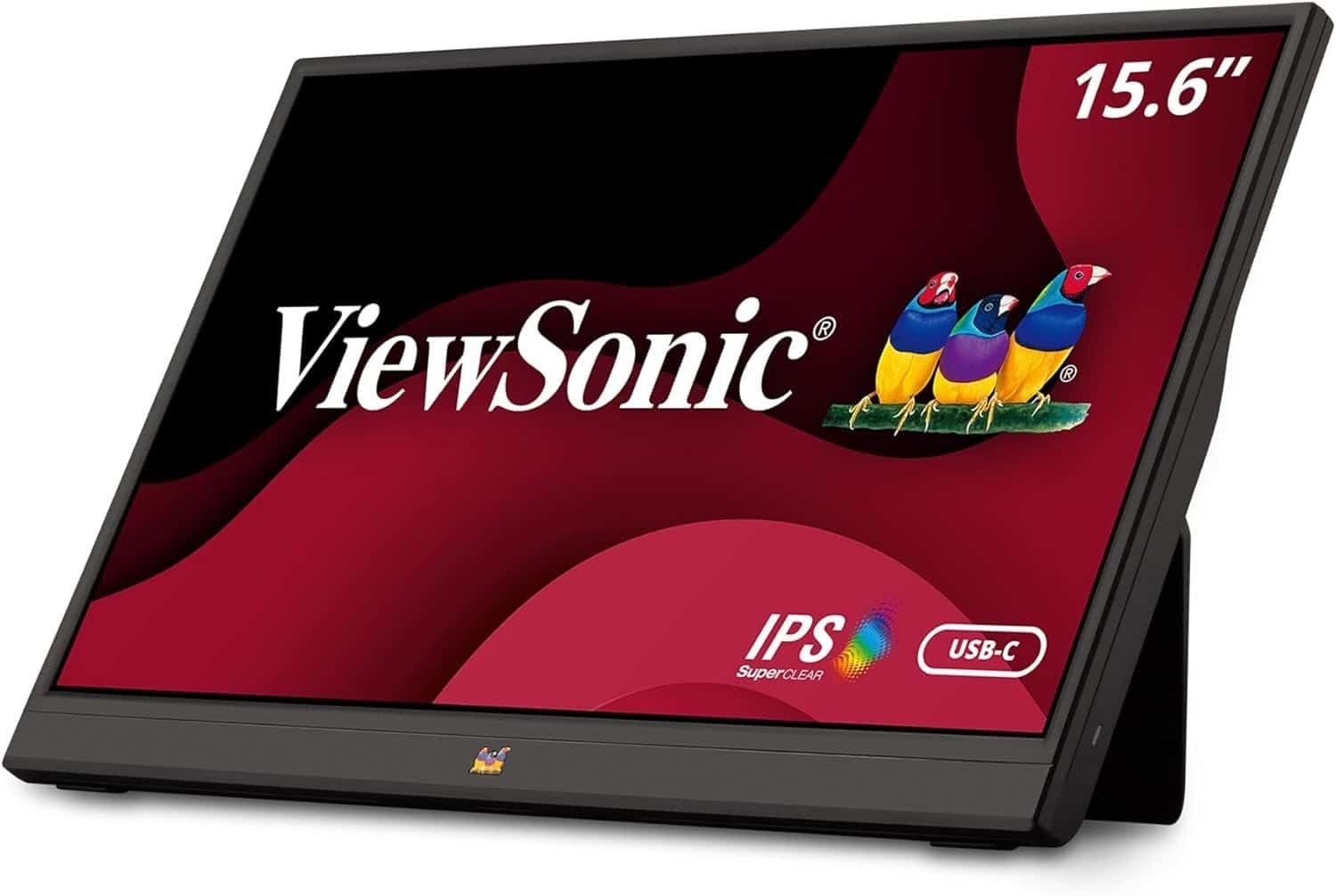
ViewSonic has built an excellent reputation for reliable displays, and the VA1655 offers outstanding value.
It includes USB-C and Mini HDMI connectivity, an integrated stand, and an anti-glare IPS display that’s ideal for office work.
 Pros
Pros
- Great value
- Reliable brand
- Anti-glare display
- Easy plug-and-play setup
Cons
- Average brightness
- Basic speakers
4. Arzopa Z1FC – Best Portable Monitor for Gaming
Best for: Gamers and creators
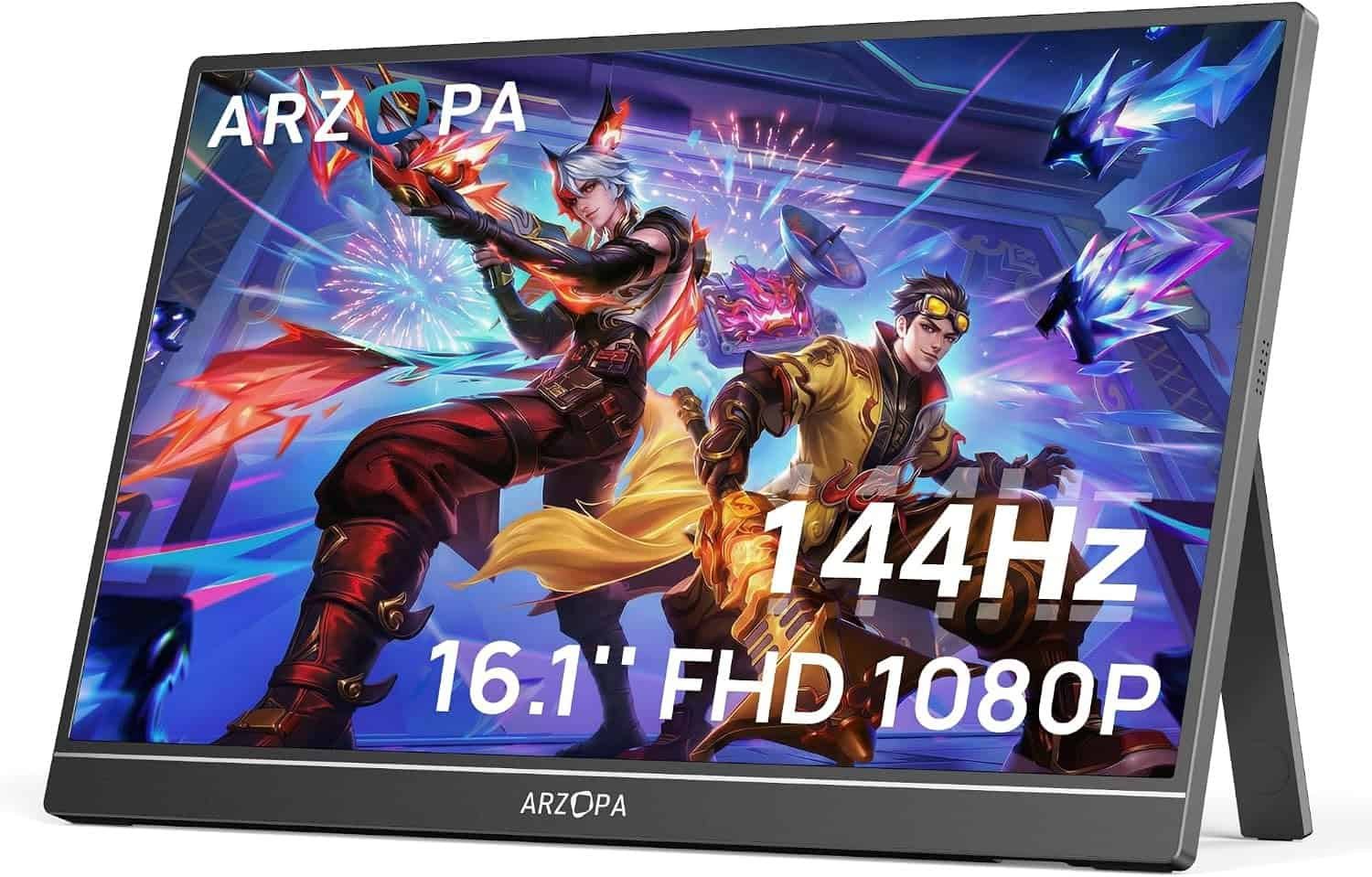
If you’re looking for smoother visuals, the Arzopa Z1FC offers a fast 144Hz refresh rate, making it suitable for gaming as well as general productivity. It consistently ranks among the best portable gaming monitors.
 Pros
Pros
- 144Hz refresh rate
- Large 16.1-inch display
- USB-C & HDMI
- Slim design
Cons
- Uses more battery
- Slightly heavier
5. espresso Display 15 – Premium Productivity Choice
Best for: Professionals and MacBook users
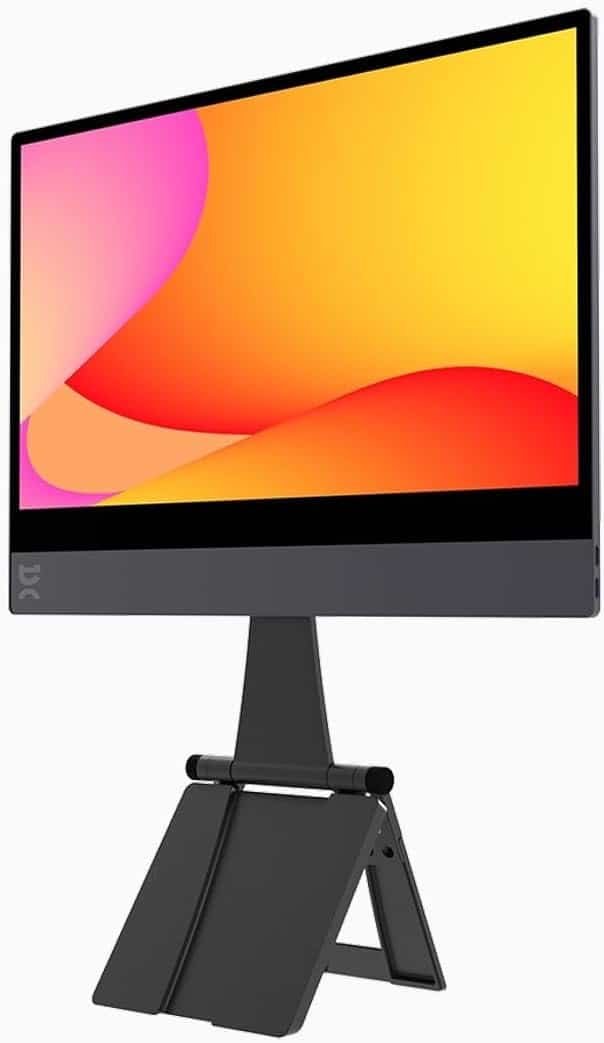
The espresso Display 15 focuses on premium build quality and a polished user experience.
Its bright panel, magnetic stand compatibility, and responsive performance make it an excellent choice for hybrid workers seeking a premium second screen.
 Pros
Pros
- Premium aluminum body
- Excellent brightness
- Beautiful display
- Lightweight
Cons
- Expensive
- Accessories sold separately
6. Innocn OLED Portable Monitor – Best OLED Display
Best for: Photo editing and content creation
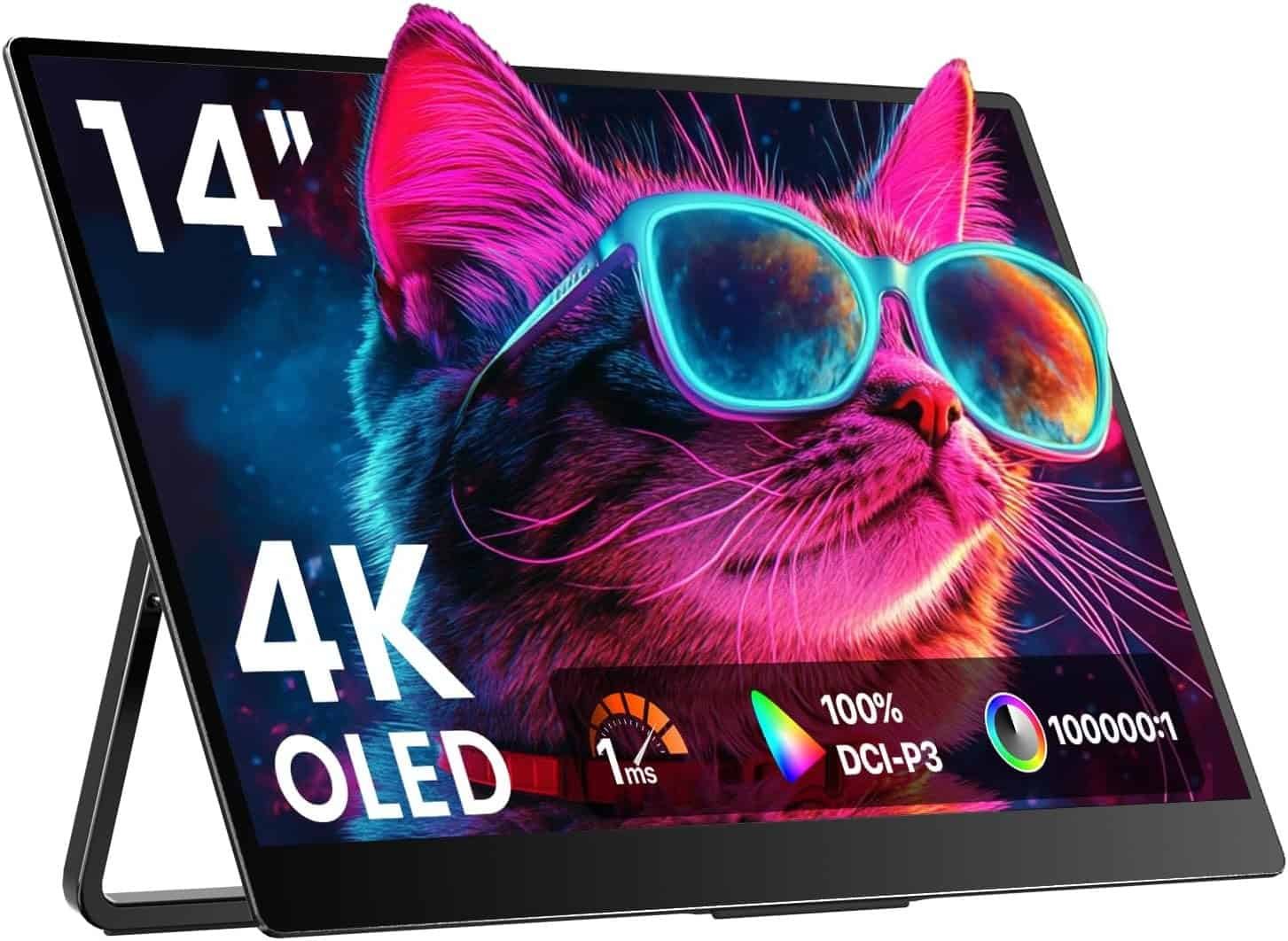
OLED technology provides deep blacks, vibrant colors, and exceptional contrast.
If you regularly edit photos or videos, the Innocn OLED portable monitor delivers professional-level image quality in a compact package.
 Pros
Pros
- Stunning OLED display
- Excellent color accuracy
- HDR support
- Thin design
Cons
- Higher price
- OLED requires careful handling
7. MSI PRO MP161 E2 – Best Budget Pick
Best for: Students and home office users
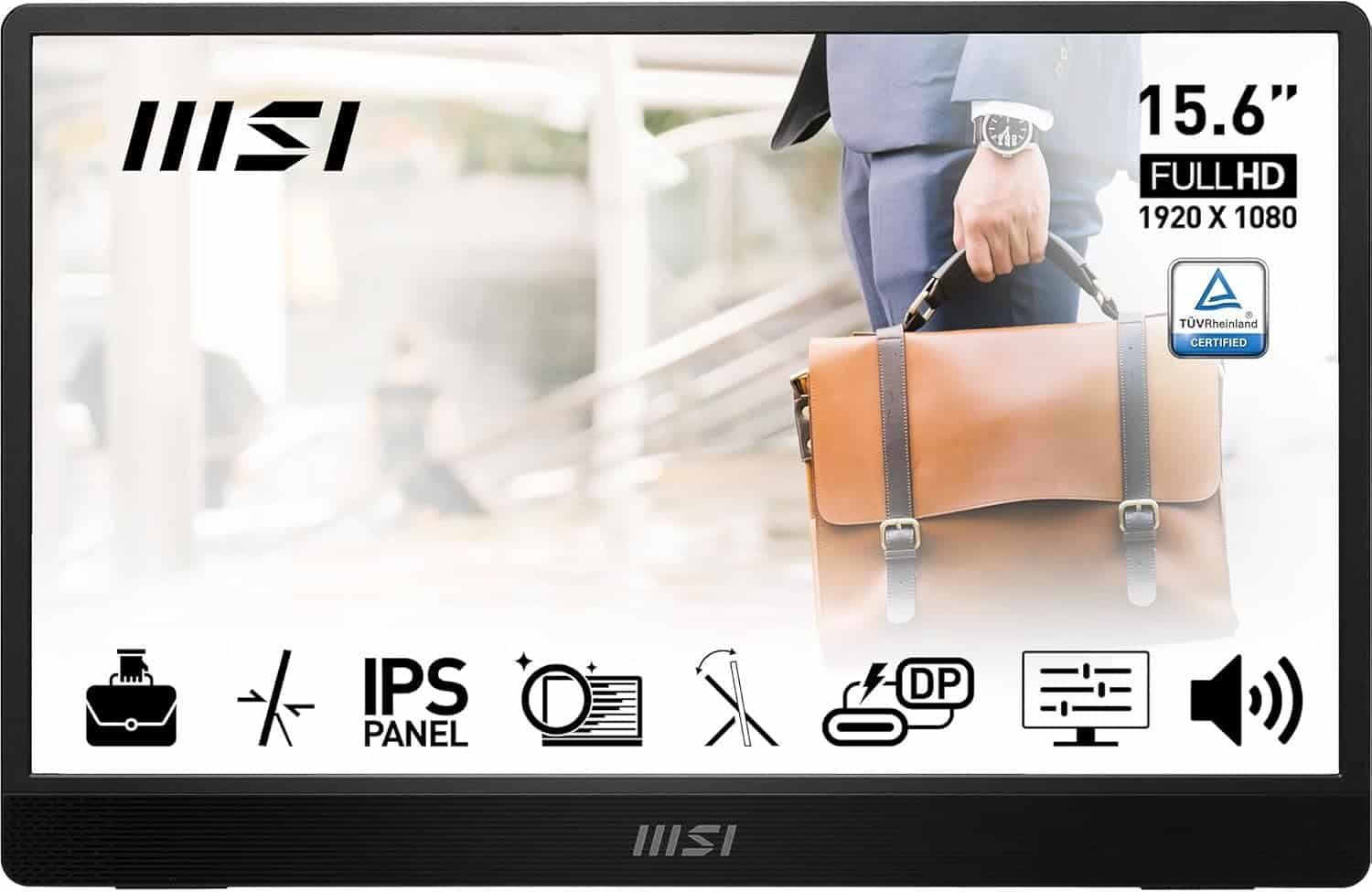
MSI’s portable monitor delivers dependable performance without breaking the bank.
It offers a Full HD IPS panel, USB-C connectivity, and a lightweight chassis suitable for everyday office work.
 Pros
Pros
- Affordable
- IPS display
- Lightweight
- Trusted brand
Cons
- Basic design
- Moderate brightness
Buying Guide
1. Screen Size
The sweet spot is 15.6 inches, balancing portability with usable screen space.
2. Resolution
Choose 1920×1080 Full HD at minimum. Creative professionals may prefer 2.5K or 4K displays.
3. Panel Type
- IPS: Best all-around
- OLED: Superior color and contrast
- TN: Avoid unless on a tight budget
4. Connectivity
Look for:
- USB-C (DisplayPort Alt Mode)
- Mini HDMI
- Pass-through charging
Many modern portable monitors work with a single USB-C cable, but your laptop must support video over USB-C (DisplayPort Alt Mode, USB4, or Thunderbolt).
5. Refresh Rate
- 60Hz: Office work
- 120Hz–144Hz: Gaming and smoother motion
6. Brightness
Aim for 300 nits or more for comfortable indoor use.
Benefits of Using a Portable Monitor
- Increased multitasking
- Better workflow
- Easier spreadsheet management
- More comfortable coding
- Improved video editing
- Better Zoom meetings
- Great for remote work
- Perfect for digital nomads
Frequently Asked Questions
Are portable monitors worth buying?
Yes. They significantly improve productivity by providing a second screen without sacrificing portability.
Do portable monitors need external power?
Many USB-C models draw power directly from your laptop. Others can also use a USB power adapter for additional brightness.
Can I use one with a MacBook?
Yes. Most USB-C portable monitors work seamlessly with MacBooks.
Can portable monitors be used for gaming?
Absolutely. Models with 120Hz or 144Hz refresh rates work well with gaming laptops and consoles.
Final Verdict
A portable laptop monitor is one of the smartest upgrades for anyone who works on the move. It provides the convenience of a dual-monitor setup without sacrificing portability.
If you’re looking for the best all-around option, the ASUS ZenScreen MB16ACV stands out thanks to its balance of portability, display quality, and ease of use. Business travelers should consider the Lenovo ThinkVision M14, gamers will appreciate the Arzopa Z1FC, and creators who prioritize image quality should look at the Innocn OLED Portable Monitor.
Whichever model you choose, adding a portable second screen can transform your workflow, helping you stay productive whether you’re working from home, a café, or an airport lounge.