Whether you’re working remotely, traveling for business, gaming on the go, or simply need extra screen space, a portable monitor can significantly improve your productivity and entertainment experience. These lightweight, slim displays have become essential tools for professionals, students, digital nomads, and content creators who need a dual-screen setup without carrying a bulky desktop monitor.
Modern portable monitors are more impressive than ever. Many now feature Full HD or 4K resolution, IPS panels for vibrant colors, USB-C connectivity, HDR support, built-in speakers, and ultra-thin designs that slip easily into a laptop bag. Some models even include touchscreens, integrated batteries, or high refresh rates for gaming.
The best part? You no longer have to spend a fortune to enjoy premium display quality. Today’s market offers outstanding portable monitors for nearly every budget and use case.
In this guide, we’ve carefully selected the Top 5 Best Portable Monitors based on display quality, portability, connectivity, build quality, and overall value. Whether you’re a remote worker, gamer, programmer, or creative professional, you’ll find an option that fits your needs.
Table of Contents
Quick Comparison Table
| Product | Best For | Screen Size | Resolution | Weight |
|---|---|---|---|---|
| ASUS ZenScreen MB16ACV | Best Overall | 15.6″ | Full HD | 1.8 lbs |
| ViewSonic VX1655 | Best for Gaming | 15.6″ | Full HD 144Hz | 1.5 lbs |
| ARZOPA A1 Gamut | Best Value | 15.6″ | Full HD | 1.7 lbs |
| INNOCN OLED Portable Monitor | Best Premium | 15.6″ | Full HD OLED | 2.0 lbs |
| Lenovo ThinkVision M14 | Best for Business | 14″ | Full HD | 1.3 lbs |
Why Buy a Portable Monitor?
Working on a single laptop screen often limits productivity. A portable monitor gives you extra workspace wherever you go, allowing you to multitask more efficiently.
Some key benefits include:
- Boosts productivity with dual-screen multitasking
- Perfect for remote work and travel
- Lightweight and easy to carry
- Ideal for presentations
- Great for gaming and streaming
- Improves workflow for designers and programmers
- Easy plug-and-play setup
- Compatible with laptops, smartphones, tablets, and gaming consoles
Whether you’re editing videos, writing reports, attending virtual meetings, or gaming on the road, a portable monitor can make a noticeable difference.
Top 5 Best Portable Monitors
1. ASUS ZenScreen MB16ACV
 Best Overall Portable Monitor
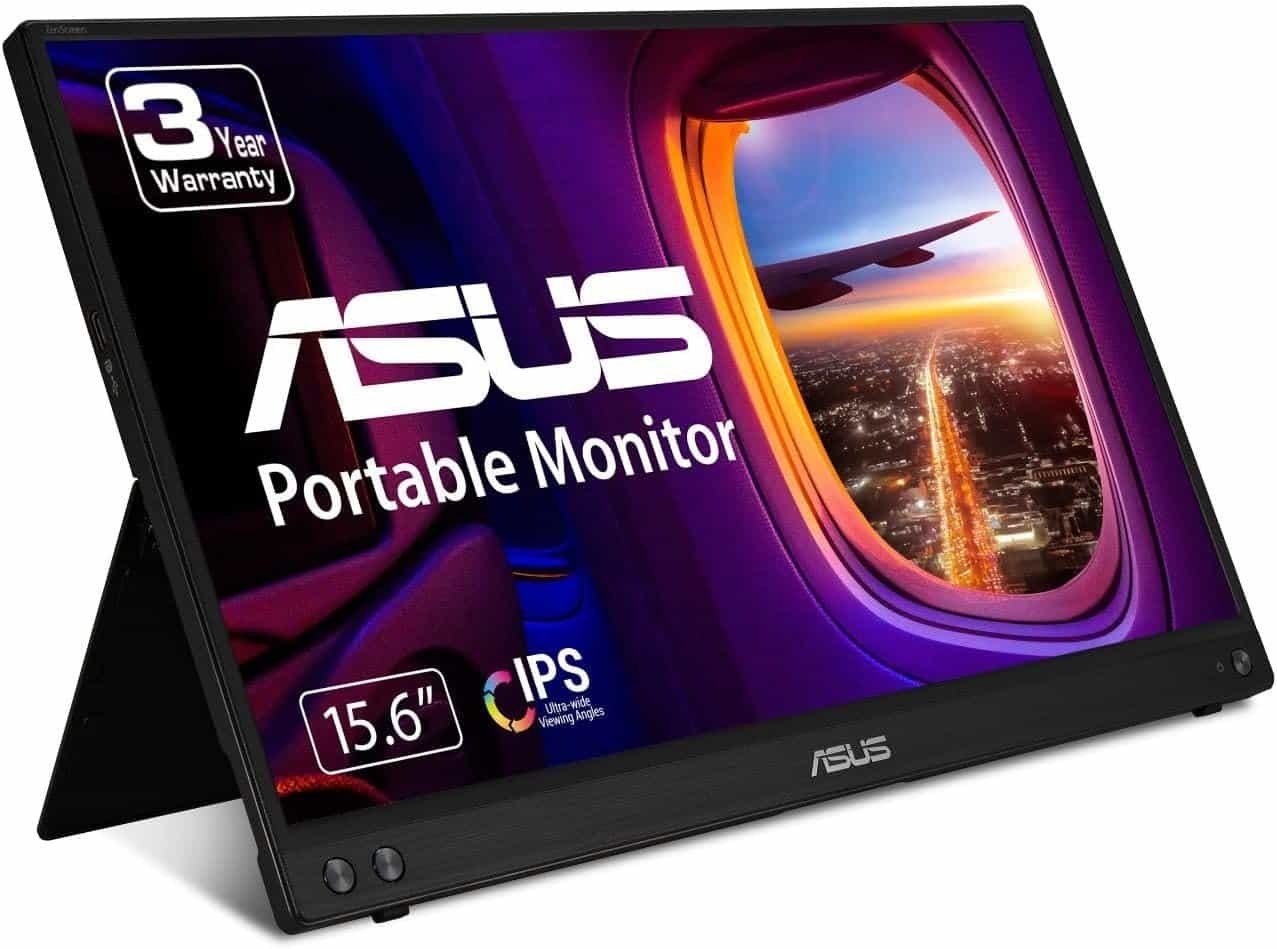
The ASUS ZenScreen MB16ACV consistently ranks among the most reliable portable monitors thanks to its excellent display quality, portability, and ease of use.
Its 15.6-inch IPS display delivers sharp Full HD visuals with wide viewing angles, making it ideal for work, presentations, and casual entertainment. The hybrid signal solution supports both USB-C and USB-A connectivity, ensuring compatibility with a wide range of devices.
ASUS also includes Eye Care technology with TÜV Rheinland-certified low blue light and flicker-free features, reducing eye strain during extended work sessions.
Key Features
- 15.6-inch IPS Full HD display
- USB-C and USB-A connectivity
- Foldable smart protective case
- Auto-rotation software
- Eye Care technology
- Ultra-slim profile
Pros
✔ Excellent color accuracy
✔ Lightweight and travel-friendly
✔ Wide compatibility
✔ Easy setup
✔ Reliable ASUS build quality
Cons
✘ Standard 60Hz refresh rate
Best For
Professionals, students, and remote workers looking for an all-around portable monitor.
link on price Amazon
2. ViewSonic VX1655
 Best Portable Monitor for Gaming
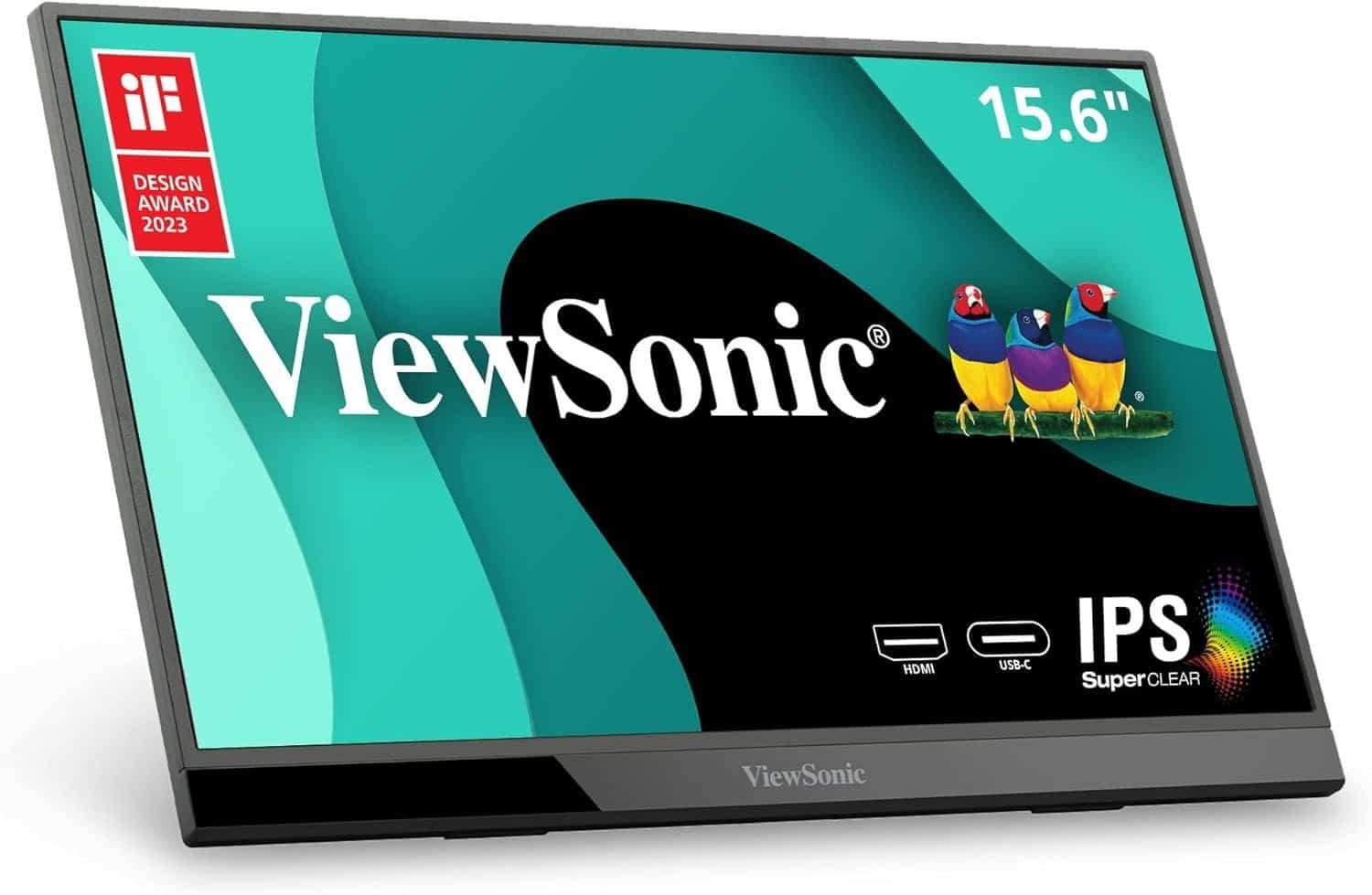
Gamers who want a second display while traveling should consider the ViewSonic VX1655.
Its 144Hz refresh rate delivers noticeably smoother gameplay than standard 60Hz portable displays. Combined with AMD FreeSync support, it reduces screen tearing and improves responsiveness.
Despite its gaming capabilities, the monitor remains slim and lightweight enough for everyday travel.
Key Features
- 15.6-inch Full HD IPS panel
- 144Hz refresh rate
- AMD FreeSync
- USB-C and Mini HDMI
- Built-in speakers
- Adjustable stand
Pros
✔ Smooth gaming performance
✔ Excellent refresh rate
✔ Portable design
✔ Good color reproduction
✔ Versatile connectivity
Cons
✘ Speakers are average
Best For
Gamers using laptops, Steam Decks, Nintendo Switch, or portable PCs.
3. ARZOPA A1 Gamut
 Best Value Portable Monitor
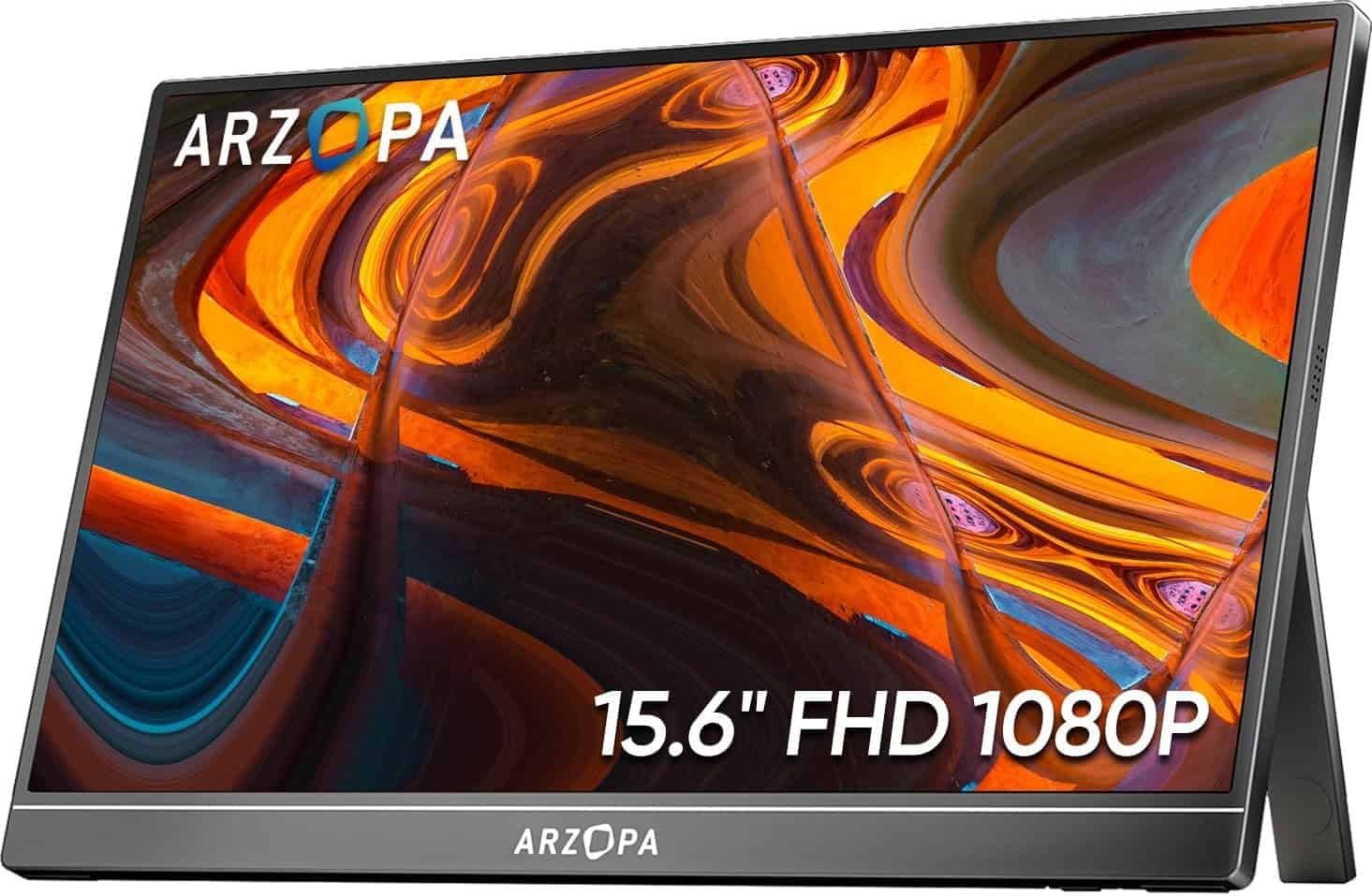
If you’re looking for excellent performance without spending a premium, the ARZOPA A1 Gamut offers exceptional value.
Despite its affordable price, it includes a Full HD IPS display, slim bezels, USB-C connectivity, and vibrant color reproduction suitable for both work and entertainment.
Its lightweight design makes it an ideal travel companion.
Key Features
- 15.6-inch Full HD IPS screen
- USB-C and Mini HDMI
- Ultra-thin design
- HDR support
- Built-in speakers
- Smart protective cover
Pros
✔ Affordable
✔ Excellent image quality
✔ Lightweight
✔ Plug-and-play operation
✔ Great value
Cons
✘ Stand offers limited adjustment
Best For
Students, casual users, and budget-conscious professionals.
link on price Amazon
4. INNOCN OLED Portable Monitor
 Best Premium Portable Monitor
If display quality is your top priority, the INNOCN OLED Portable Monitor is difficult to beat.
Its OLED panel delivers exceptional contrast, deep blacks, vivid colors, and excellent HDR performance, making it perfect for photographers, video editors, and designers.
The premium aluminum construction also enhances durability while maintaining a sleek appearance.
Key Features
- OLED display
- HDR support
- Full HD resolution
- USB-C and Mini HDMI
- Aluminum body
- Ultra-thin profile
Pros
✔ Stunning OLED colors
✔ Deep blacks
✔ Premium build quality
✔ Excellent viewing angles
✔ Great for creative work
Cons
✘ Higher price
Best For
Content creators, photographers, and creative professionals.
link on price Amazon
5. Lenovo ThinkVision M14
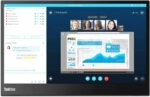 Best Portable Monitor for Business
The Lenovo ThinkVision M14 is designed specifically for professionals who need a reliable second screen while traveling.
Its compact 14-inch display weighs just over one pound, making it one of the lightest portable monitors available.
The ergonomic stand allows height adjustment and tilt for improved viewing comfort.
Key Features
- 14-inch Full HD IPS display
- Dual USB-C ports
- Adjustable stand
- Eye Comfort certification
- Ultra-lightweight
- Premium construction
Pros
✔ Extremely portable
✔ Professional appearance
✔ Lightweight
✔ Excellent stand
✔ Reliable Lenovo quality
Cons
✘ Smaller display than 15.6-inch competitors
Best For
Business travelers and corporate professionals.
Buying Guide: How to Choose the Best Portable Monitor
Selecting the right portable monitor depends on how you plan to use it. Here are the key factors to consider before buying.
1. Screen Size
Most portable monitors range from 13 to 17 inches.
- 14-inch: Most portable
- 15.6-inch: Best balance
- 17-inch: Maximum workspace
For most users, a 15.6-inch display offers the ideal combination of portability and usability.
2. Resolution
Resolution directly affects image sharpness.
Choose:
- Full HD (1920×1080) for everyday use
- 2K or 4K for creative professionals
Full HD remains the best value for most buyers.
3. Panel Type
IPS panels provide:
- Better viewing angles
- More accurate colors
- Improved brightness consistency
OLED displays offer superior contrast but usually come at a higher price.
4. Connectivity
Look for:
- USB-C
- Mini HDMI
- HDMI
- USB-A compatibility
USB-C with DisplayPort Alt Mode provides the simplest single-cable connection for both video and power.
5. Refresh Rate
- 60Hz is ideal for office work.
- 120Hz or 144Hz is recommended for gaming.
Higher refresh rates create smoother visuals during fast-moving content.
6. Weight and Portability
If you travel frequently, choose a monitor weighing under 2 pounds with a slim protective case.
Benefits of Using a Portable Monitor
Adding a second screen provides several productivity advantages.
Better Multitasking
Keep documents on one screen while using email, spreadsheets, or video conferencing on the other.
Improved Productivity
Studies suggest dual-monitor setups can significantly improve workflow efficiency by reducing window switching.
Easier Travel
Portable monitors provide desktop-like productivity without carrying bulky equipment.
Better Presentations
Share your screen with clients or colleagues more effectively during meetings.
Enhanced Entertainment
Watch movies, play games, or stream content on a larger display while traveling.
Tips for Getting the Most from Your Portable Monitor
- Use a USB-C cable that supports video output.
- Adjust brightness to match your environment.
- Position the monitor at eye level using its stand.
- Use an ergonomic laptop stand alongside the monitor.
- Carry the display in its protective sleeve when traveling.
- Clean the screen with a microfiber cloth to prevent scratches.
Frequently Asked Questions
Are portable monitors worth buying?
Yes. They provide additional screen space for multitasking, improve productivity, and are ideal for travel, remote work, and gaming.
Can I use a portable monitor with a laptop?
Absolutely. Most portable monitors connect via USB-C or HDMI and are compatible with Windows laptops, MacBooks, Chromebooks, and many tablets.
Do portable monitors require external power?
Many USB-C portable monitors receive both power and video through a single USB-C cable. Others may require an additional power source depending on the device.
Can I connect a gaming console?
Yes. Most portable monitors support Nintendo Switch, PlayStation, Xbox, and Steam Deck through HDMI or USB-C connections.
Are OLED portable monitors better?
OLED displays offer superior contrast, deeper blacks, and richer colors, making them ideal for creative professionals. However, IPS monitors remain more affordable and are excellent for everyday use.
Final Verdict
The best portable monitors combine excellent display quality, lightweight design, and versatile connectivity to help you work and play more efficiently wherever you are.
Our top recommendations are:
- Best Overall: ASUS ZenScreen MB16ACV
- Best for Gaming: ViewSonic VX1655
- Best Value: ARZOPA A1 Gamut
- Best Premium: INNOCN OLED Portable Monitor
- Best for Business: Lenovo ThinkVision M14
Each model offers unique strengths, but all provide a significant upgrade over relying on a single laptop screen.
Conclusion
Whether you’re a remote worker, business traveler, gamer, or content creator, a portable monitor is one of the most practical tech investments you can make. It transforms your workflow by adding valuable screen space without sacrificing portability. From budget-friendly options to premium OLED displays, the models featured in this guide offer outstanding performance for a variety of needs.
Choose the monitor that best fits your work style, device compatibility, and budget, and enjoy the convenience of a dual-screen setup wherever you go.